
Quick answer
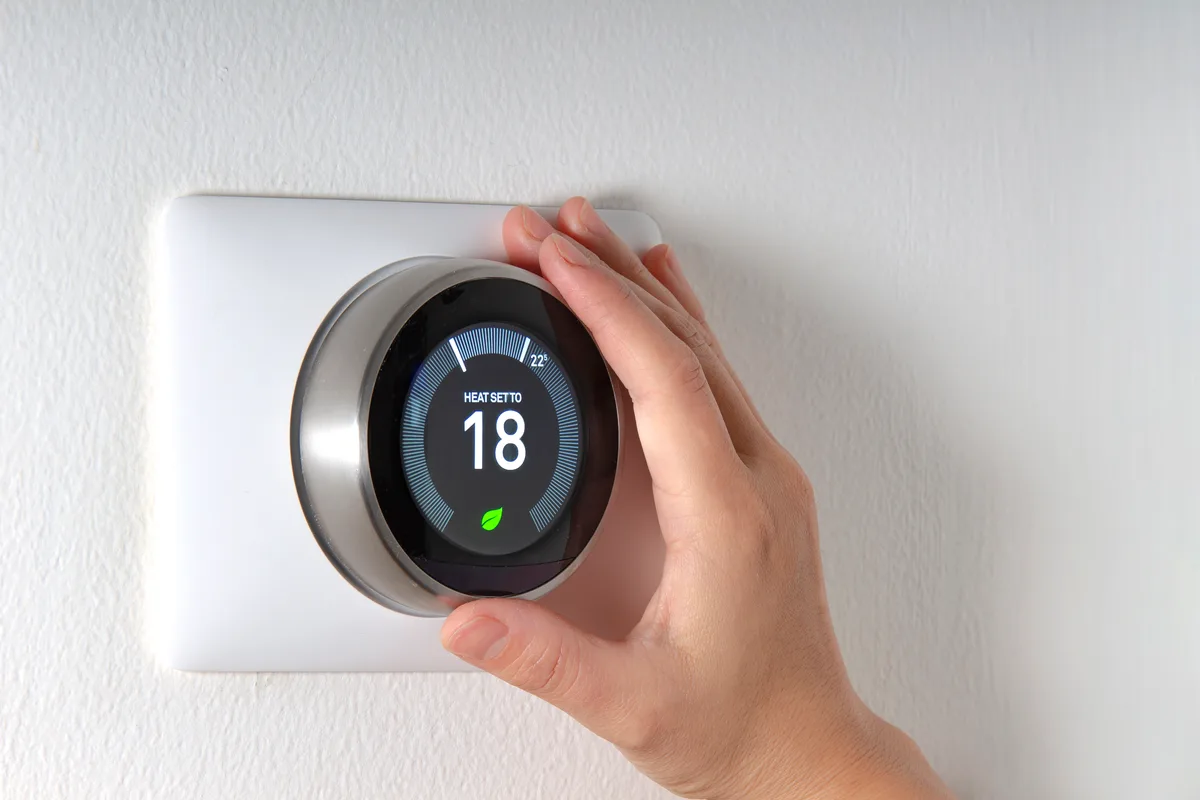
A smart thermostat that keeps losing power or restarting almost always has no C (common) wire. Without one it steals small amounts of power through the heating or cooling circuit, and that supply collapses when the furnace runs long cycles. The lasting fix is a continuous 24-volt supply: a new 18/5 cable, a spare conductor used as C, or a power extender kit at the furnace control board.
If your smart thermostat keeps losing power or restarting, start by asking whether it has a dedicated power wire. A Wi-Fi thermostat with a lit screen draws far more than the battery thermostats it replaced, and it expects 24 volts from the furnace transformer around the clock. That power arrives on two conductors: R, the hot side, and C, the common wire that completes the circuit. Interrupt either one, even for a few seconds, and the thermostat reboots.
No C wire: why power-stealing fails when the furnace cycles
A thermostat with no C wire runs on power-stealing. While the furnace is idle it leaks a tiny current through the W (heat) or Y (cooling) wire, small enough that the furnace does not read it as a call, and uses it to charge an internal battery. While the furnace is running, that wire is carrying the call for heat, and the thermostat has to get by on brief sips of power or on the battery alone.
On a mild day the battery tops up between cycles and nobody notices. In a cold snap the furnace runs long cycles back to back, the battery drains, and the thermostat sheds load: first the Wi-Fi drops, then the screen dims, then it restarts or goes dark until the battery recovers. Some control boards react to the leaked current as well, which shows up as a furnace that clicks, chatters or starts its inducer for no reason. Either symptom means the thermostat needs a real C wire.
Is it a power drop or a Wi-Fi drop?
A Wi-Fi drop and a power drop look alike in the app, where both appear as offline, and look different on the wall.
- Wi-Fi drop: the screen stays lit, the temperature is displayed, the heat still runs on schedule, and only the app and remote control are lost. The cause is the router, the signal or a changed password, not the furnace.
- Power drop: the screen goes black or shows the start-up logo, a low-battery or no-power message appears, and the house temperature drifts because no call for heat is being sent.
- Pattern: outages that come during or right after long furnace or air conditioner cycles point to power-stealing. Outages at random times point to the furnace side.
- On a Nest, Settings > Technical Info > Power lists the battery voltage. Google's guidance is that about 3.8 V is healthy, and a reading near 3.6 V or lower means the thermostat is not getting enough charge.
Furnace-side causes that cut the R wire
A thermostat that has a C wire and still loses power is being switched off at the furnace. The R wire is fed from the furnace's low-voltage transformer, and several devices sit between the two:
- The control board fuse. A small automotive-style blade fuse, usually 3 or 5 amps, protects the 24-volt circuit. A thermostat wire rubbed bare against the cabinet or chewed at the outdoor unit shorts only now and then, and each short blows the fuse and blanks the thermostat. A fuse that blows twice has a short to find; why a furnace keeps blowing the control board fuse covers the hunt.
- The condensate safety switch. A float switch on the drain pan or condensate pump is often wired to break R when water backs up. The thermostat dies, the water drains down, the switch closes and the thermostat reboots, over and over.
- The door switch. The blower door holds in a switch that cuts power to the whole furnace, transformer included. A panel left slightly off its tabs after a filter change makes intermittent contact every time the blower shakes the cabinet.
- A weak transformer or a loose low-voltage connection, including a C wire that is landed at the thermostat and never connected at the board.
Three ways to give the thermostat a C wire
- Use a spare conductor. Many houses have a five-wire cable with one wire unused and folded back in the wall. Connected to C at the thermostat and C on the furnace board, it solves the problem with no new cable. Check both ends, because a spare that was cut short at the furnace cannot be used.
- Pull a new 18/5 cable. Where the old cable has only two to four conductors, as in many 1950s to 80s houses that began with heat-only thermostats, a new five-conductor cable from furnace to thermostat is the permanent answer and leaves room for cooling or a heat pump later.
- Fit an add-a-wire or power extender kit. When the walls are finished and fishing a cable is not practical, a small module at the control board lets four existing wires do the work of five. Ecobee includes one with most models as its Power Extender Kit, and Google sells the Nest Power Connector for the same job.
Borrowing the G (fan) wire as a C wire also works, at the cost of manual fan control, so treat it as a stopgap.
What to check before calling, and when to call
- Turn off the furnace power switch, pull the thermostat off its base and photograph the wires. Note whether anything is in the C terminal.
- Look in the wall for an unused wire wrapped around the cable jacket.
- Reseat the furnace door and check that the filter slot cover is closed.
- Call when the fuse has blown more than once, when there is water at the furnace, or when the thermostat has a C wire and still restarts.
There is no flat price for thermostat wiring, because the job ranges from landing one spare wire to fishing a new cable through finished walls; we quote it in writing first. A diagnostic visit for a furnace-side fault is $90–$150, folded into the repair if you proceed. ZK Mechanical does thermostat C-wire installation and smart thermostat installation from the Burlington shop: call (647) 801-1252 or book through the contact page. If the screen is dark and stays dark, read why a thermostat screen goes blank.