
Quick answer
A Nest thermostat that is not turning on the heat is usually short of power or set up for the wrong equipment. Check for a code first: E73 or E74 means no power on the R wire, and N260 means a C wire is required. If the Nest shows Heating and nothing happens, the furnace is likely in lockout, so read its LED before blaming the thermostat.
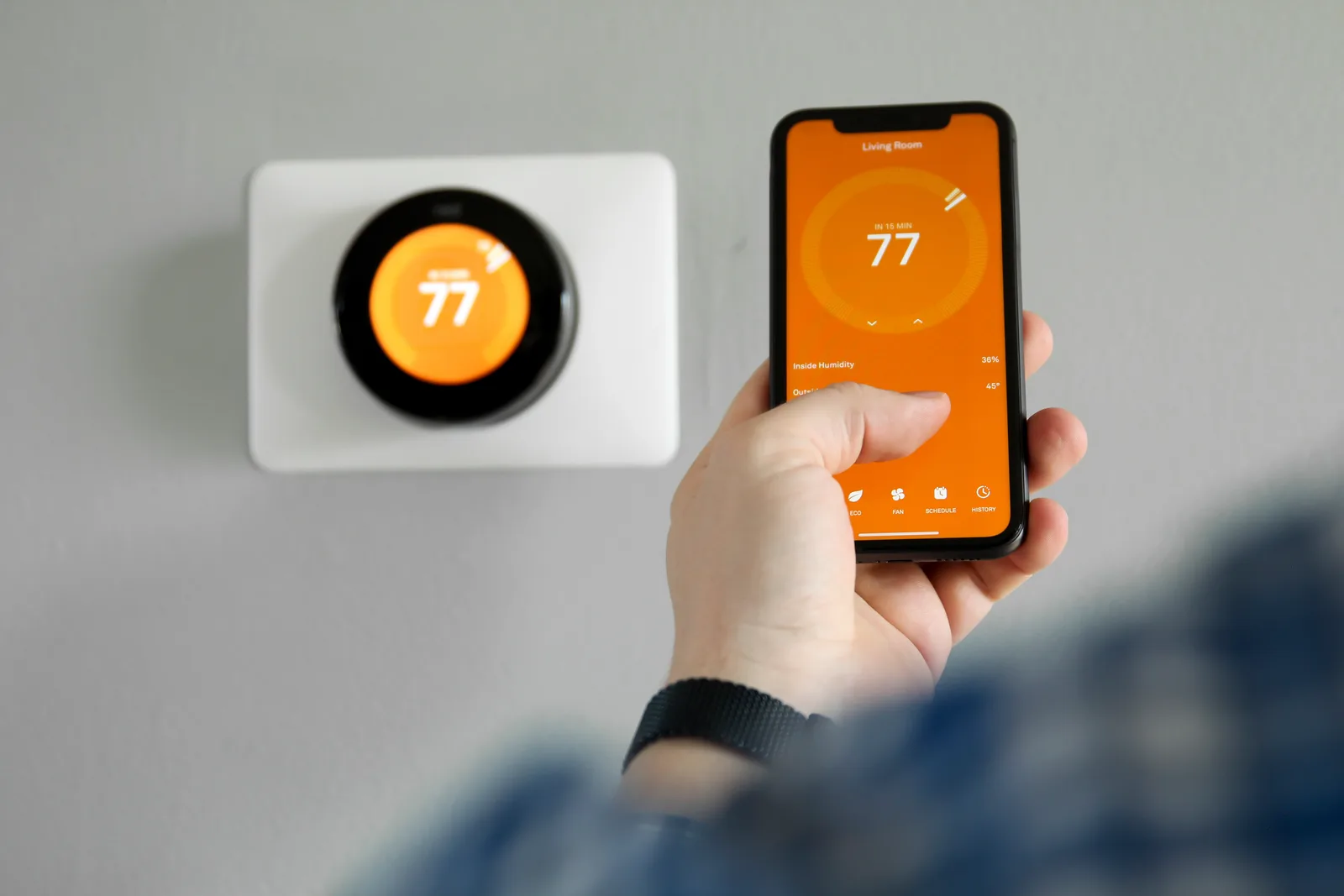
If your Nest thermostat is not turning on the heat, work through three questions in order: does the Nest have power, does it know what equipment it is controlling, and is the furnace able to answer. The Nest tells you a good deal on its own screen and in the Google Home or Nest app, so read what it says before pulling it off the wall. Codes and menus vary by Nest model and software version, and the wording on your own screen wins.
Nest power and wiring codes that stop the heat
A Nest that detects a wiring or power fault shows a code beginning with E or N. E codes are errors that stop the system from running; N codes are notices that may leave part of it working. These are the ones behind most no-heat calls:
- E73 and E74: no power detected on the R wire (E73 for Rc, E74 for Rh). The 24-volt supply from the furnace has gone missing. The usual causes are a blown fuse on the furnace control board, a furnace door off its switch, a tripped condensate safety switch, or the furnace power switch turned off. See Nest error E73 and Nest error E74.
- N260: a C wire is required. The Nest cannot draw enough power through the heating circuit of this particular system and needs a common wire or the Nest Power Connector. Nest N260 covers the options.
- Low battery. A low-battery message, or a blinking red light on the Nest Learning Thermostat, means the internal battery is too low to run the screen. In that state the Nest switches off Wi-Fi and stops controlling the system until it recharges, so the heat stays off even though nothing is broken at the furnace. The 2020 Nest Thermostat runs on two AAA batteries instead; replace them when it asks.
What the Delayed message means
A Nest that shows Delayed, or says heating will start in a few minutes, is waiting on purpose. A short delay is equipment protection and is normal. A delay that appears on almost every call for heat, or lasts longer than a couple of minutes, is the Nest pausing to rebuild its battery before it closes the heating circuit. That is a sign of weak power and usually of a missing C wire.
Equipment-setup errors: conventional, heat pump and a W1 wire that is not seated
A Nest only energizes the terminals it believes are wired. It builds that belief from which connector tabs are held down by a wire and from the system type chosen during setup. Three setup faults leave a working furnace with no call for heat:
- W1 not seated. Each Nest connector has a tab that stays down when a wire is fully inserted. A W1 wire with too little bare copper, a bent tip or a nick lets the tab spring back, and the Nest reports no heating wire at all. Strip about 1 cm of straight copper, push it in until the tab stays down, and confirm that W1 appears under Settings > Equipment.
- Conventional versus heat pump. A gas furnace must be set up as a conventional system. If a wire sits in the O/B terminal, or heat pump was chosen in the app, the Nest runs heat-pump logic and never sends the furnace a proper call on W1. The reverse applies to a real heat pump or hybrid system, where a wrong O/B setting produces cool air in heating mode.
- Wrong wire detected. Wires moved over by colour instead of by the old thermostat's terminal letters end up in the wrong place: a common wire parked in W1, or the heat wire in Y1. Go by the photo of the old thermostat's terminals, not by colour.
After any wiring change, run the system test under Settings > Equipment and choose heating. It sends a call on W1 without waiting for the schedule, so you can hear whether the furnace responds.
When the Nest is fine and the furnace is in lockout
If the Nest screen turns orange and reads Heating, with no code, and the registers stay cold, the thermostat has done its part. The call is leaving on W1 and the furnace is refusing it. Go to the furnace, look through the small sight glass in the lower door and read the LED: a steady light or slow heartbeat means it is idle and healthy, while a repeating flash pattern is a stored fault such as failed ignition, an open pressure switch or an open limit.
Count the flashes and match them to the legend on the door before resetting anything. What a flashing furnace light means explains how to read it.
Check this yourself first, and when to call a technician
- Mode is set to Heat (not Off, Cool or Eco) and the setpoint is above room temperature.
- The furnace power switch is on, the breaker is on and the lower door is fully seated.
- The Nest base shows a wire in R (Rh or Rc) and in W1, with each tab held down.
- No water is standing in the condensate pump or the drain pan.
Call a technician for a Nest no-heat problem when:
- E73 or E74 returns after you have checked the door and the power switch. The board fuse has probably blown, and a fuse blows for a reason.
- The furnace LED shows a fault code, or the furnace starts and stops without delivering heat.
- The Nest needs a C wire and there is no spare conductor in the cable.
- You smell gas or a carbon monoxide alarm sounds. Leave the house first and call from outside.
ZK Mechanical services Nest thermostats and the furnaces they control, so one visit covers both ends of the wire. The diagnostic is $90–$150 and is credited toward the repair when you approve it. Book smart thermostat installation or a furnace diagnostic at (647) 801-1252, or use the contact form.