
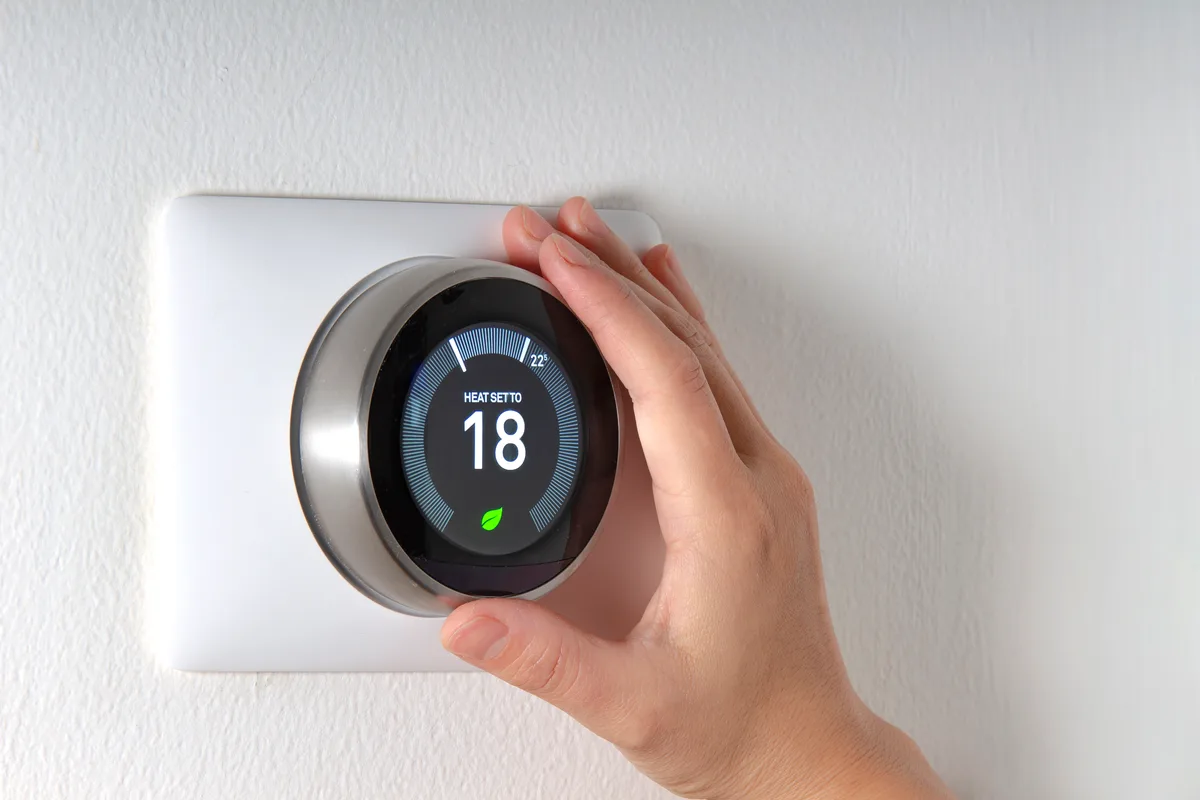
The code appears on the thermostat screen or in the app, and the number depends on which Nest you own. Google groups them by message: E3, E23 and E73 all read as no power to the Rc wire, and E4, E24 and E74 all read as no power to Rh. So look up the wording, not just the number. On the Nest Thermostat and the 4th-generation Learning Thermostat, the wiring screen under Settings and Equipment shows each wire, and a wire drawn in grey has no voltage on it.
A Nest has no power source of its own beyond a small battery. It runs on 24 volts sent up the R wire from a transformer inside the furnace or air handler, so anything that interrupts that 24 volts shows up at the wall as a power code. The furnace switch or breaker is off, the blower door is not seated on its safety switch, the low-voltage fuse on the control board has blown, or a condensate safety switch has opened because the drain is backing up. Google's own guidance for these codes in summer is to check the drip pan, drain tube, float switch, fuse and filter before blaming the thermostat.
The lights are not error codes. On a Nest Thermostat E or a Learning Thermostat up to the 3rd generation, a blinking red light means the battery is very low and charging, which takes from several minutes to an hour. A blinking green light means it is updating, starting or restarting, typically for a minute or two. Messages that say heating or cooling is delayed, or starts in a few minutes, appear on Google's list of signs that the thermostat is not getting consistent power, alongside N260 and a battery that keeps running down.
Google's help-code page is the authority on what each code says, and the wiring diagram inside your furnace door is the authority on what each wire does: if this page disagrees with either, they win. Heating-only, cooling-only, zoned and heat pump systems are the ones Google says need a C wire or a power accessory, which takes in the two-wire boiler thermostats in many older Hamilton and west Toronto houses. Our Nest thermostat installation page covers wiring and compatibility, and you can tell us the code you see.
Nest thermostat codes, decoded
| Code | What it means | Safe? | Try first | When to call |
|---|---|---|---|---|
E73 | No power to Rc wire detected. Google lists E3 and E23 as the same message on other models. | turn it off | Check the furnace switch, breaker and blower door, then look for water in the condensate pan or pump. | If power at the furnace looks normal. The fuse, the safety switch and the transformer need a meter. |
E74 | No power to Rh wire detected. Listed with E4 and E24. | turn it off | Same checks as E73, starting with the furnace switch and door. | If the furnace has power and the code stays. In winter this is a no-heat call. |
E195 | No power to R wire detected. | turn it off | Check the breaker, the furnace switch and the condensate drain, and replace a clogged filter. | If those are fine. Something in the equipment has cut the 24-volt supply. |
E194 | R wire not detected. | turn it off | With power off at the furnace, pull the display off and confirm the R wire is fully seated in its connector. | If the wire is seated and still not detected. |
E294 | R wire is required. | turn it off | With the furnace powered down, check that a wire is in the R connector with bare copper showing. | If you are not sure which wire is R. The furnace board terminals settle it. |
E298 | No system power. Shown on the Nest Thermostat and the 4th-generation Learning Thermostat; E448 carries the same message. | turn it off | Check the breaker, fuse box and furnace switch, then look at the wiring screen for grey wires. | If the wiring is right and there is still no power, or the system needs a C wire run. |
E1 | Common wire (C wire) is required. | turn it off | Look for an unused conductor tucked behind the thermostat base. | To have a C wire connected at both ends or a Nest Power Connector fitted at the furnace. |
E297 | C wire or Y1 wire required. | turn it off | Check whether a spare conductor is available in the thermostat cable. | For a C wire or power accessory. A heat-only system cannot power this thermostat reliably without one. |
E79 | No power to C wire detected. Listed with E29 and E159. | turn it off | Shut the furnace off first, then confirm the C wire is seated at the thermostat. | If it is seated. The other end may not be landed on the C terminal of the furnace board. |
E75 | No heating or cooling detected. W1 or Y1 wire is required. Listed with E5 and E25. | turn it off | Kill power to the equipment, then check that the white or yellow wire has not slipped out of its connector. | If both are in place and the code remains. |
E72 | No power wires detected. Rc or Rh wire required. Listed with E22. | turn it off | Power down at the furnace before you reseat the red wire. | If the red wire is seated and nothing changes. |
E77 | Y1 wire not detected. A heat pump requires a Y1 wire. | turn it off | Confirm the system type in the thermostat's equipment settings matches what is installed. | If you have a heat pump. Its wiring should be checked against the outdoor unit and air handler. |
E78 | Additional wire(s) required. W2/AUX detected by itself. Listed with E8 and E28. | turn it off | Compare the wires against the photo you took of the old thermostat. | If no photo exists. Auxiliary heat wiring has to be traced at the equipment. |
E103 to E106 | Overcurrent detected on the HVAC equipment: several power spikes in a very short time. Part of a group that runs E102 to E108. | turn it off | Restart the thermostat. With the furnace switched off, look for a wire in the wrong connector or two wires sharing one. | If the wiring is correct. Google points to a worn relay or transformer on the control board, not the Nest. |
N260 | A C wire or Nest Power Connector is recommended for your thermostat. N410 carries the same message. | keep running | Nothing urgent. Watch for a low battery or dropped Wi-Fi. | When convenient, to add a C wire or power connector before the battery starts running flat. |
N261 | Low power to C wire. N411 carries the same message. | keep running | With power off, confirm the C wire is fully inserted at the thermostat. | If it persists. The C connection at the furnace or the transformer output needs measuring. |
N72 | Power wire Rh detected. Not connected to equipment. | keep running | Note it and keep using the system if heating and cooling both work. | If one of them does not respond. The wire may be landed on the wrong terminal at the furnace. |
N73 | No power to W1 wire detected, a low-power warning on the heating wire. | keep running | Test that the heat comes on when you raise the setpoint. | If the heat does not start, or the warning keeps returning. |
N74 | No power to Y1 wire detected, a low-power warning on the cooling wire. | keep running | Test that cooling starts when you lower the setpoint in summer. | If cooling does not start. A condensate or outdoor-unit safety may be holding the circuit open. |
The codes that usually mean a real repair
E73, E74 or E195 — a condensate safety switch has tripped
When a Nest goes dark or throws a power code in the middle of a cooling season or a long furnace run, water is the first suspect. Where a condensate pump or drain pan has an overflow switch, it is wired to break the 24-volt circuit, so a blocked drain shuts the thermostat off by design. Condensate drain cleaning or a new trap is $150–$350, and a new condensate pump installed is $250–$450. The E73 page walks through the checks in order.
E73 right after a thermostat swap — a blown control-board fuse
If the code appeared minutes after you installed the Nest, the furnace's low-voltage fuse is the likely casualty. Touching R to C or to the furnace cabinet with the power on blows the 3 A or 5 A blade fuse on the control board. The fuse itself is a small part; the visit is about finding what shorted so the new fuse does not blow too, and it starts with the $90–$150 diagnostic, credited to the repair. Never fit a larger fuse: the next thing to burn is the transformer or the board, and a furnace control board is $500–$1,200.
N260, E1 or E297 — there is no C wire
A Nest without a C wire keeps its battery up by drawing a trickle through the heating and cooling wires, and some systems cannot supply it. The fixes, in order of preference: use a spare conductor already in the wall, fit a Nest Power Connector at the furnace, or pull a new thermostat cable. The price depends on how far the cable has to travel and what is in the way, so it is quoted in writing. Our thermostat C-wire installation service explains each option.
Licensed technicians, a written price before the repair, no overtime charges.
Common questions
Can I fix a Nest E73 or E74 code myself?
Often, yes. Check that the furnace switch and breaker are on, that the blower door is fully seated, and that the condensate pan or pump is not full of water. Replace a clogged filter. If the code does not clear, the next checks involve live 24-volt wiring and the control-board fuse, and that is where a meter and a technician earn their keep.
Does an E code mean my Nest is broken?
Usually not. An E code is the thermostat reporting what it sees on its wires, and most of the time the report is accurate. Google says as much about overcurrent codes: if the wiring is correct, the likely cause is a damaged relay or transformer on the system's control board, not the Nest. Replacing the thermostat before the furnace side is checked tends to produce the same code on the new one.
Why is my Nest blinking red and not turning on?
The battery ran very low and is recharging. On a Thermostat E or a Learning Thermostat up to the 3rd generation, Google says this takes from several minutes to an hour. The useful question is why it ran down: the furnace lost power, or the thermostat has never had enough power without a C wire. If it happens again, have the power supply checked.
My Nest worked for months and now shows N260. What changed?
Probably the season. Without a C wire the thermostat tops up its battery through the heating and cooling circuits, and how well that works depends on the equipment and on how it is running. N260 is a recommendation, not a failure, so the system keeps working. Treat it as notice that a low battery, dropped Wi-Fi or a blank screen may follow, and plan a C wire before then.
Is a Nest code the same as a code on a Honeywell or ecobee?
No. Each maker has its own numbering, and a Nest E or N code has no meaning on another brand's screen. The underlying faults are shared, though, since every 24-volt thermostat depends on the same furnace transformer, fuse and safety switches; for a Honeywell, use the Honeywell thermostat code guide. If you would sooner have the wiring done once and done right, see smart thermostat installation.